
Blog & news
Useful information, tips and maintenance advice — written by our Apple specialists.
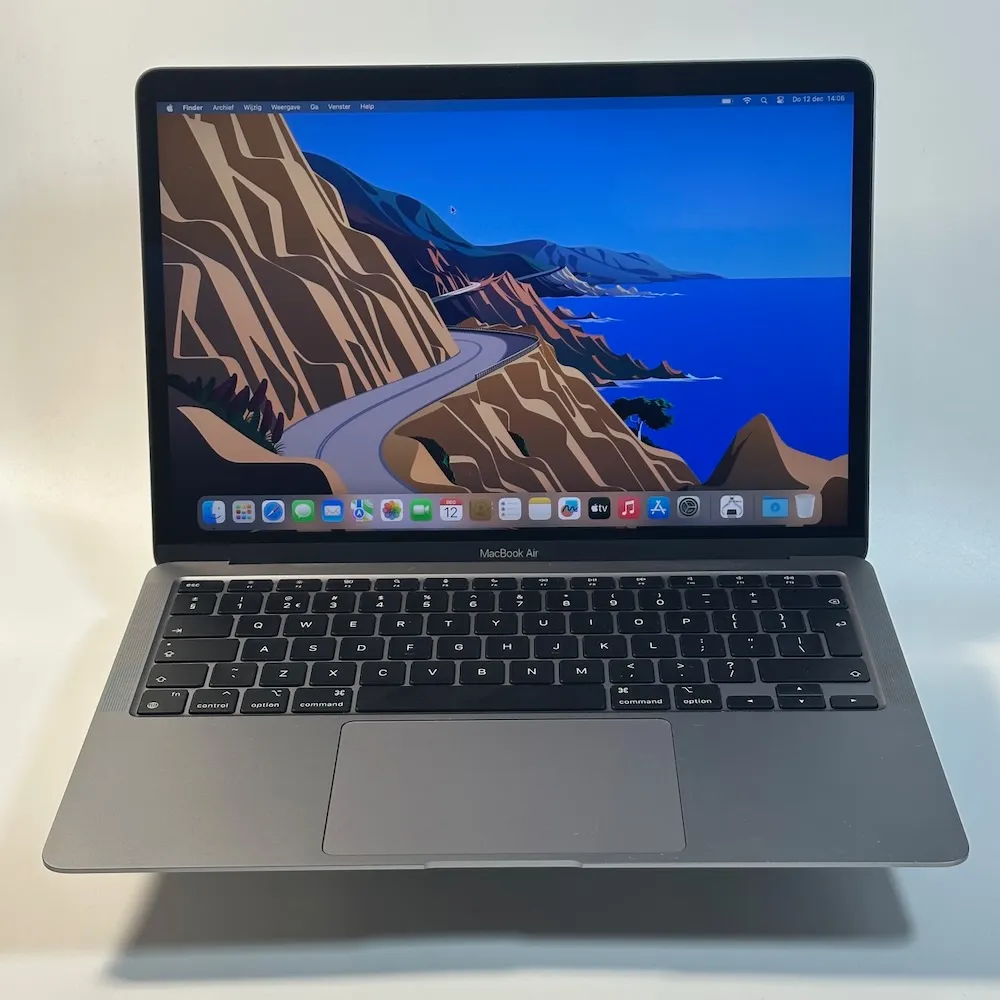
Why a MacBook from 2019 or 2020 can still be the right choice
Is a 2019 or 2020 MacBook too old? We explain honestly which models are still supported, how long you can use one and who it suits.
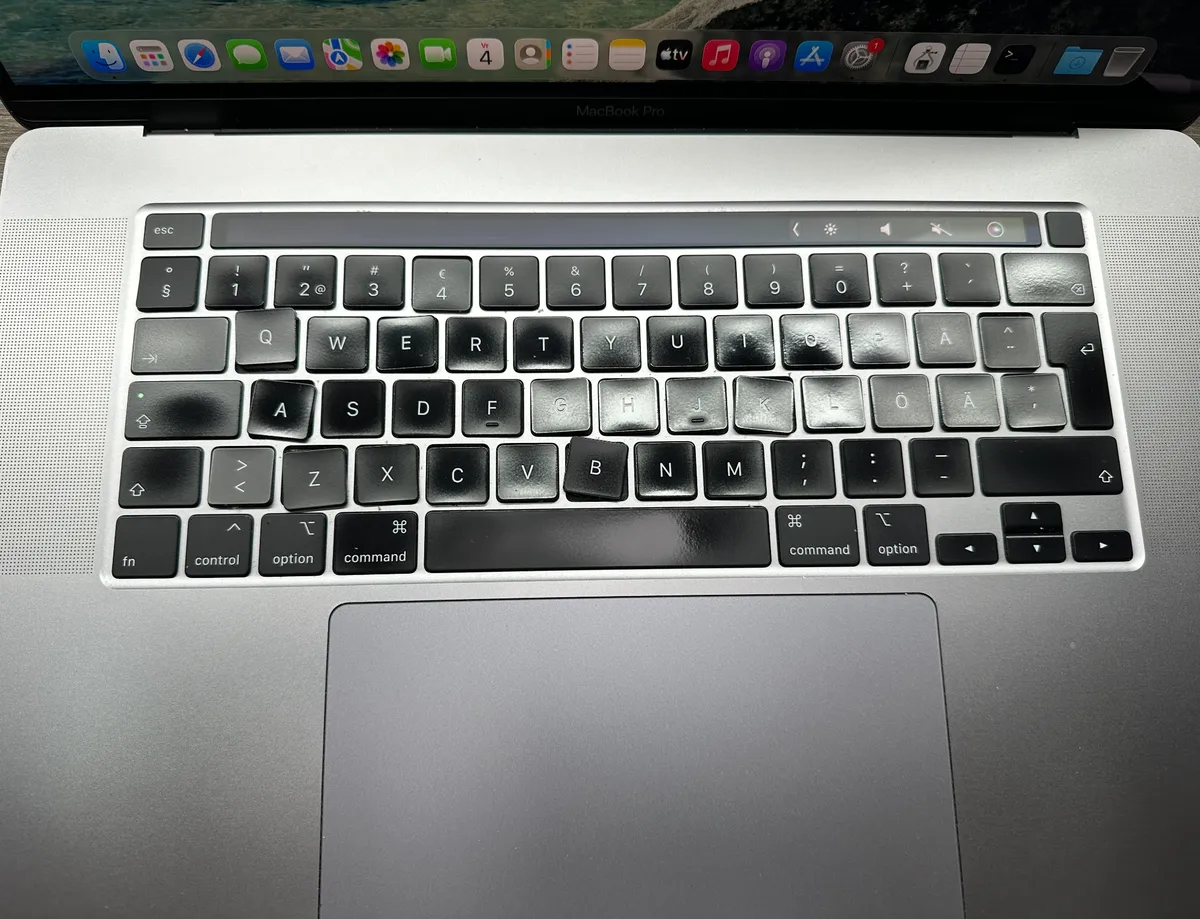
Replacing a MacBook keyboard: from a foreign layout to Dutch QWERTY
A MacBook with a foreign or worn keyboard? This is how we replace the keys, deep-clean the keyboard and convert it to Dutch QWERTY.
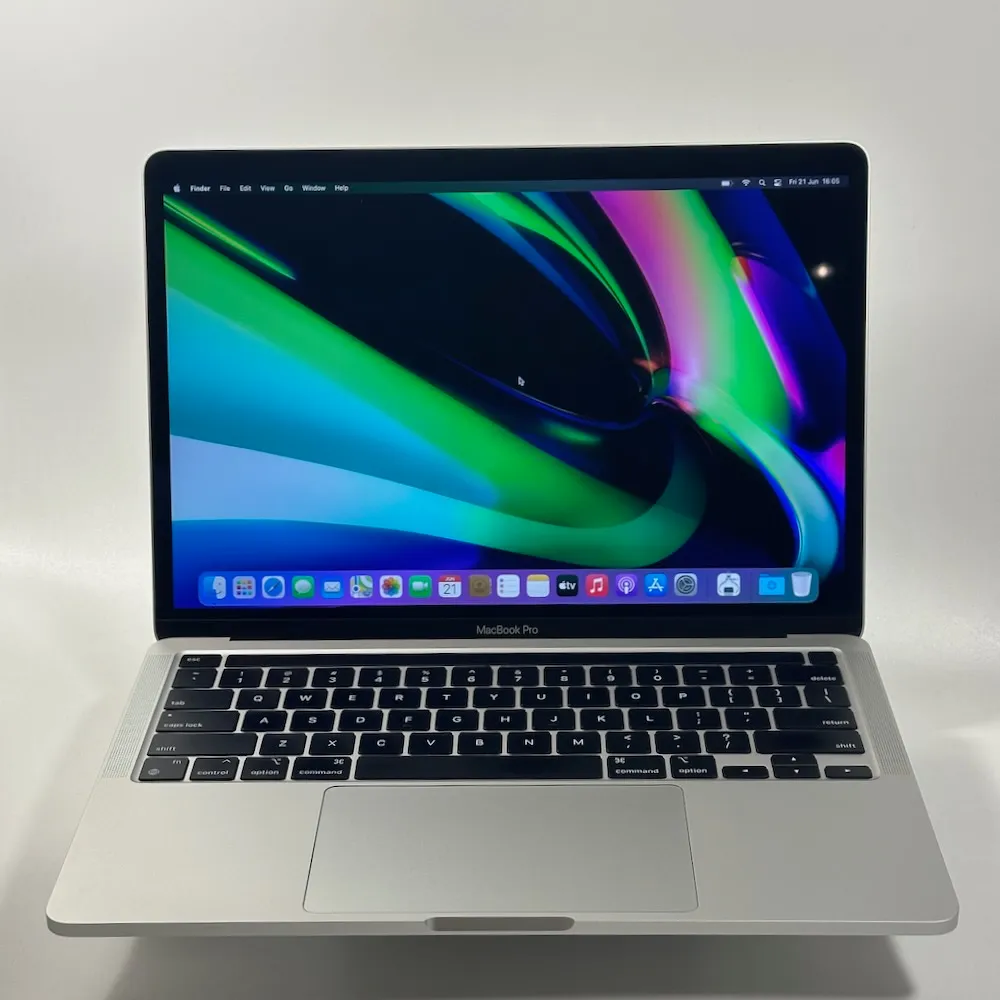
MacBook Air or MacBook Pro 2020: is it still a smart buy?
Why a 2020 MacBook is often a wiser choice in 2026 than a 2016–2019 model — hands-on experience from a refurbishment specialist.
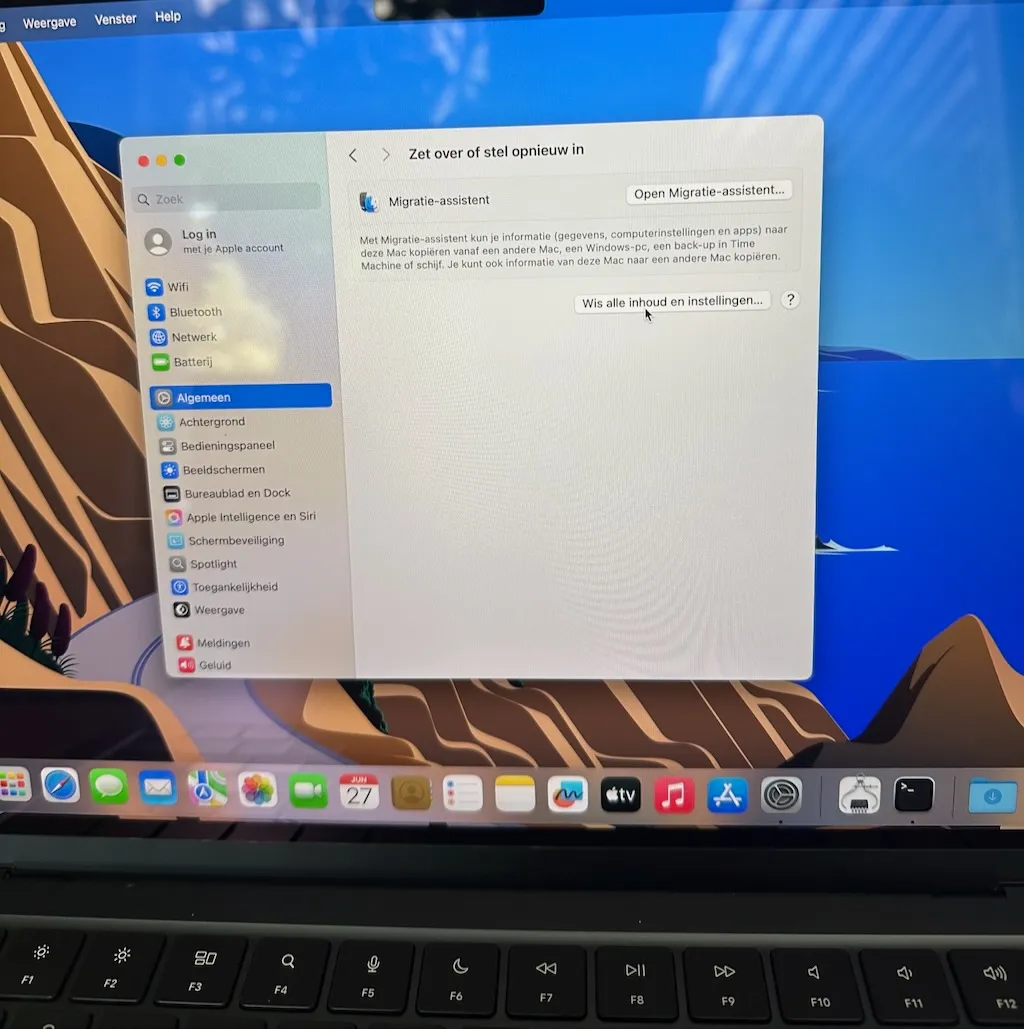
Resetting a MacBook, iPhone, iPad or iMac to factory settings safely
Selling your Apple device? Erase it safely to factory settings first. iMac and More explains step by step how to do it.
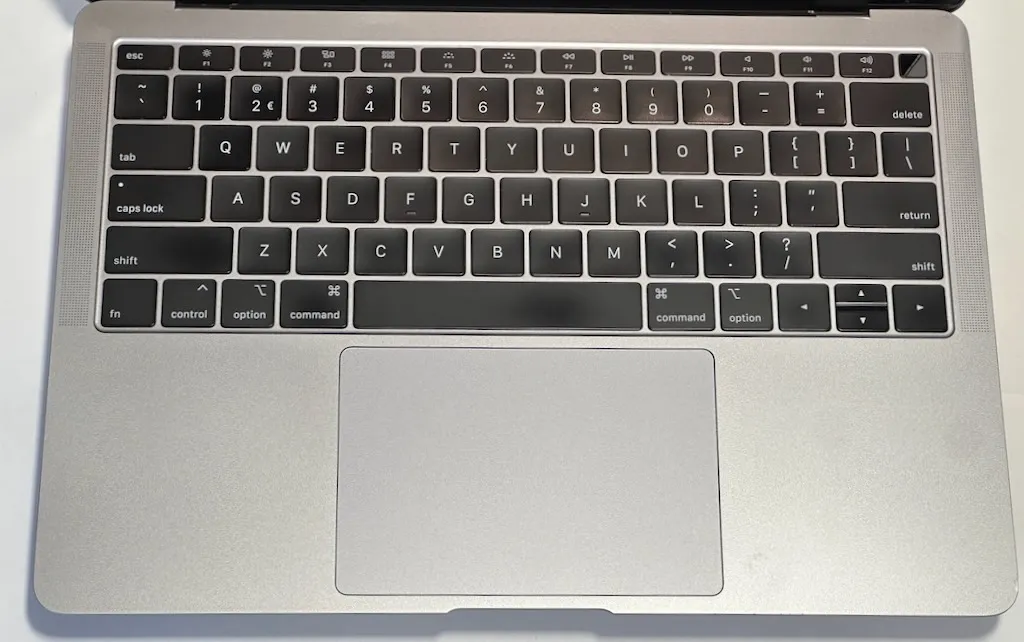
QWERTY, AZERTY or QWERTZ: which keyboard suits your refurbished MacBook?
What is the difference between QWERTY NL, QWERTY US, AZERTY and QWERTZ? We explain it and help you pick the right refurbished MacBook.
Transferring your data to a new iPhone: no panic, just follow the steps
Easier than you think — keep both phones side by side and follow the steps. Read our tips for a smooth switch.
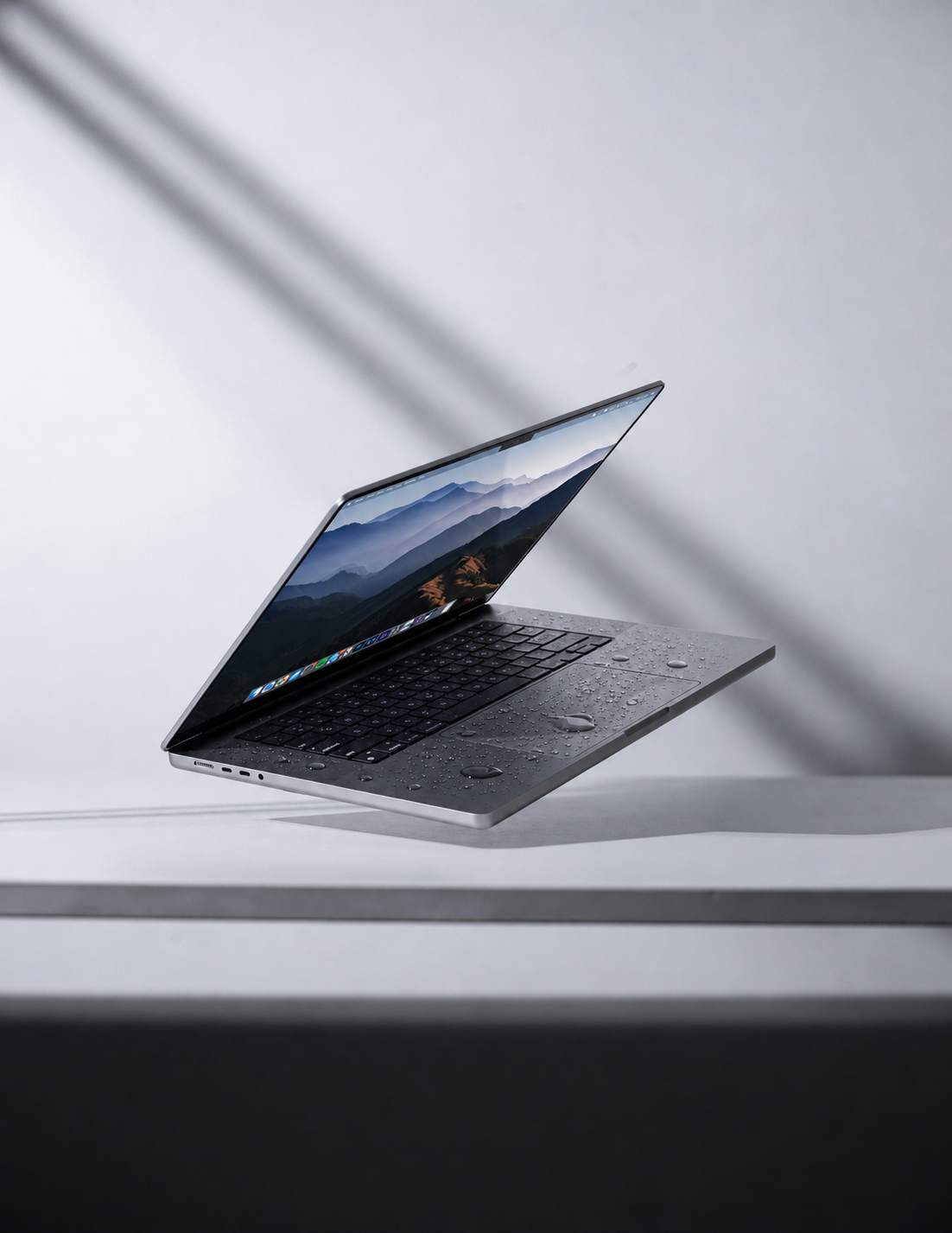
MacBook liquid damage: what to do, and what never to do
Spilled something on your MacBook? Read what to do in the first 60 seconds and which mistakes to avoid. Practical advice from iMac and More.
Selling a MacBook, iMac or iPhone? How to be sure everything is erased
Selling your MacBook, iMac or iPhone? Find out how to erase everything safely and hand it over ready for its new owner.
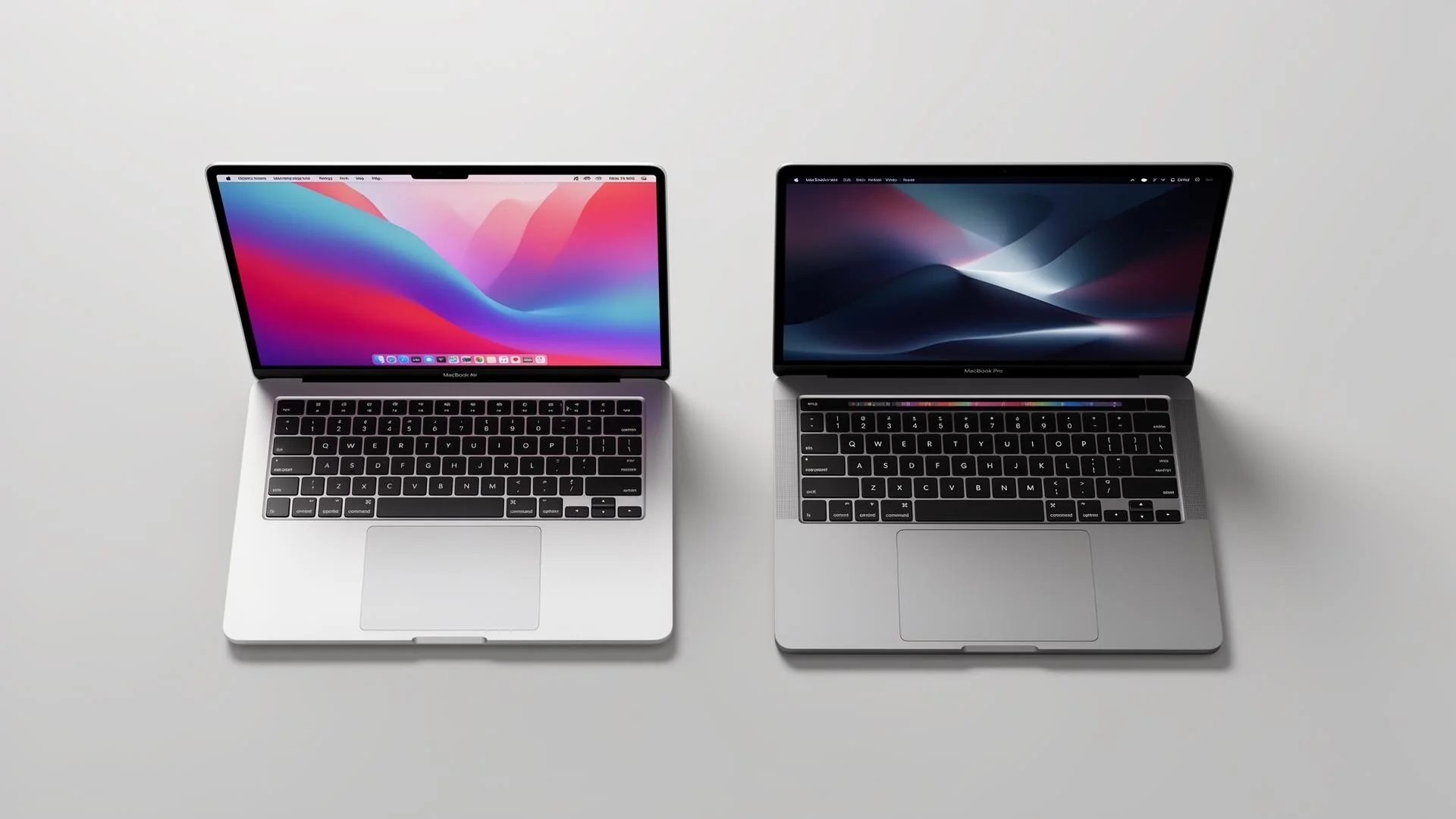
MacBook Air or MacBook Pro: which one is for you?
Torn between a MacBook Air and a MacBook Pro? Discover the differences and pick the right refurbished MacBook for the way you work.
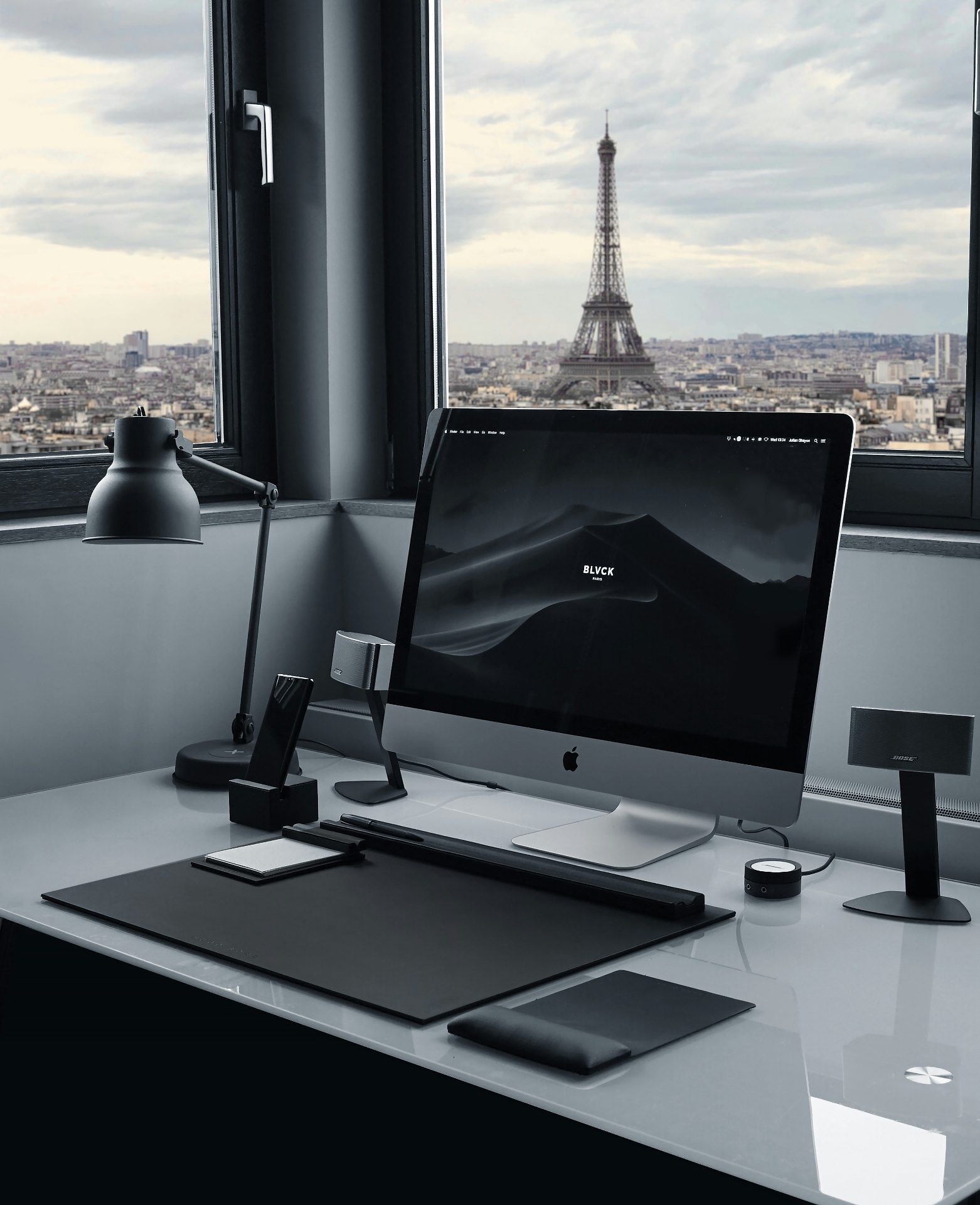
Buying a refurbished MacBook in 2026: what to look out for
The complete 2026 guide: grading, warranty, hardware testing and sustainability — explained by Apple specialists.
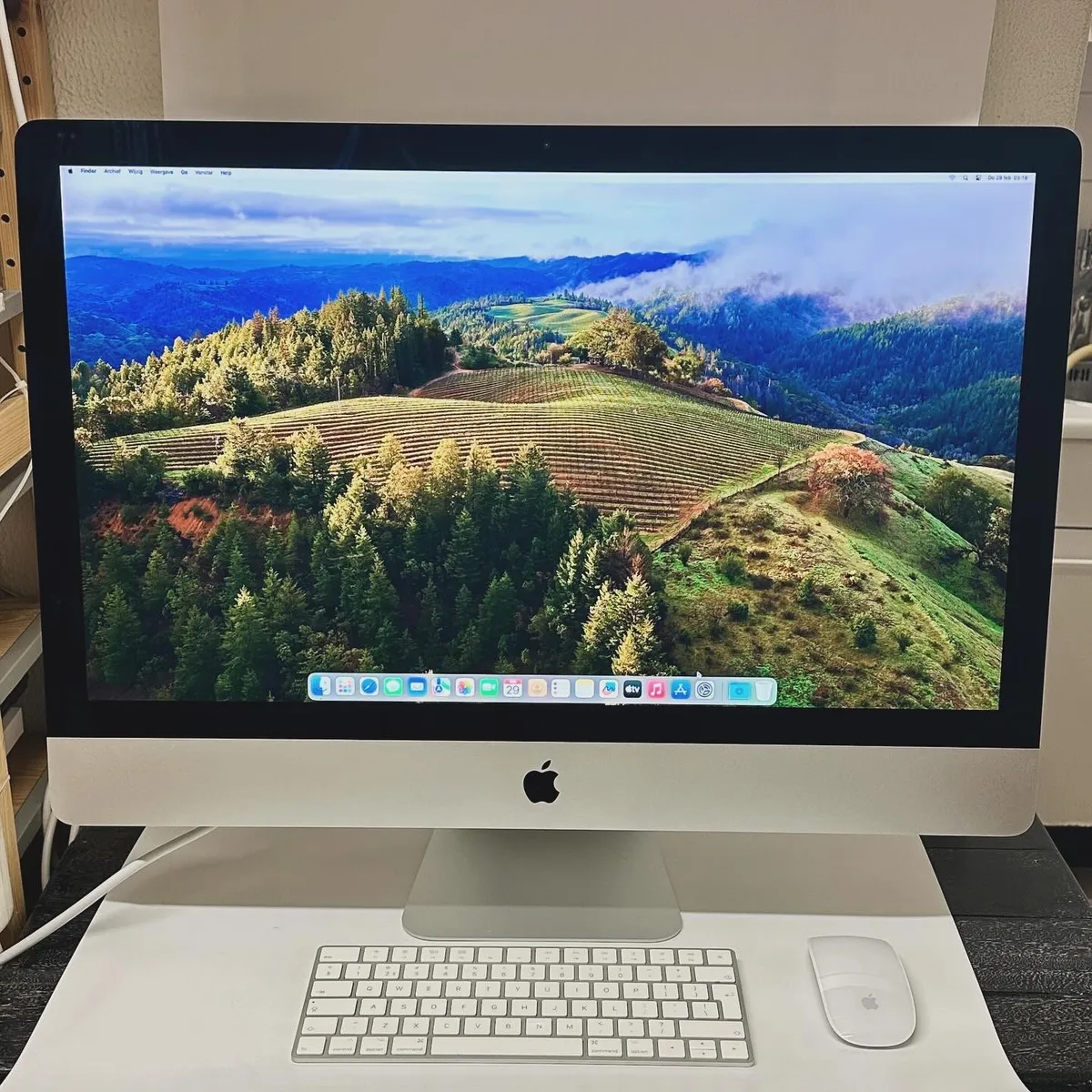
Is your iMac slow? An SSD upgrade makes it feel brand new
Slow iMac because of an old HDD or Fusion Drive? An SSD upgrade makes it fast again. See the costs and options at iMac and More.