
MacBook charging problems
MacBook not charging?
Is your MacBook no longer responding to its charger, or does charging stop halfway through? We fix charging problems, faulty USB-C ports, broken chargers and batteries that will no longer charge — quickly, transparently and with a 1-year warranty.

Common causes of MacBook charging problems
When a MacBook no longer charges or the charger does not work, there can be several causes. Sometimes the problem is a worn battery — in that case our MacBook battery replacement service helps — and in other cases it is caused by moisture or liquid damage, for which our MacBook water damage repair is the right solution. A diagnosis tells us exactly where the problem lies.
- Faulty USB-C port
- Broken MagSafe or USB-C charger
- Worn or swollen battery
- Dirt in the charging port
- Faulty charging circuit on the logic board
- Damaged charging cable
- Software preventing charging
- Liquid damage to charging components
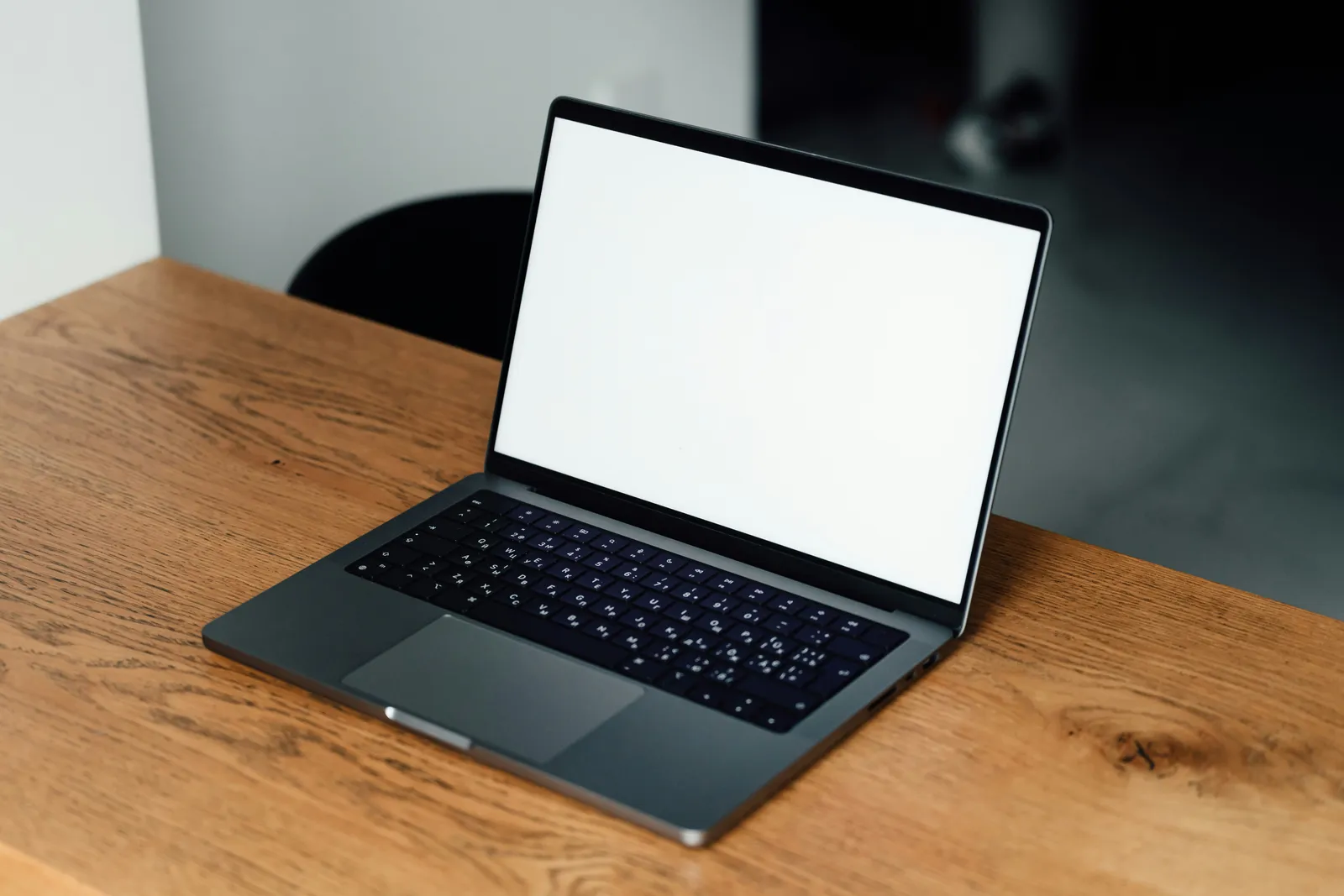
Has your MacBook stopped charging?
We quickly identify the problem, whether it is a faulty USB-C port, a battery issue or a logic board fault. You always receive a clear quotation before any work begins.
MacBook battery not charging? Recognise these signs?
Charging problems often start with small warning signs. The sooner you have them investigated, the more likely a simple repair will be enough.
- MacBook does not respond to the charger
- Charger indicator light does not come on
- Charging icon appears briefly, then disappears
- MacBook only charges through one USB-C port
- Battery percentage stays stuck
- 'Battery is not charging' message

MacBook USB-C port repair
A common cause of charging problems is a faulty or dirty USB-C port. Daily use can wear the port down, bend it or fill it with dust, preventing the charger from making proper contact.
At iMac and More, we replace faulty USB-C ports and repair the charging circuit on the logic board where needed. We use genuine Apple parts so your MacBook can charge reliably and safely again. Are you also experiencing other problems, such as a faulty MacBook screen or an unresponsive keyboard? We include these in the same diagnosis.
Which MacBook models can we fix charging problems on?
We fix charging problems on almost all MacBook models:
- MacBook Air M1, M2, M3
- 13-inch MacBook Pro
- 14-inch MacBook Pro
- 15-inch MacBook Pro
- 16-inch MacBook Pro
- Intel MacBook Air and Pro
How our MacBook charging repairs work
1. Request a diagnosis
Send us your request or give us a call. An Apple specialist will get back to you promptly.
2. Workshop assessment
We test the charger, USB-C ports, battery and logic board to identify the cause.
3. Repair with a warranty
Repairs using genuine Apple parts, with a 1-year warranty on the work carried out.
Usually sent back the next working day
Send your MacBook to us free of charge using the DHL label we provide. We get to work as soon as it arrives. In most cases, we send it back to you the next working day.
Workshop
Repairs carried out in our own workshop by an Apple specialist.
Send it in for free
iMac and More will provide you with a free DHL shipping label. Drop off your parcel at a DHL ServicePoint of your choice.
Business
Fast service for small businesses and freelancers — keep your team productive.
Why choose iMac and More?
- More than 15 years of Apple experience
- Genuine Apple parts
- 1-year repair warranty
- Prompt diagnosis on arrival
- Transparent quotation before work begins
- No fix, no fee
- For individuals and businesses
- Personal advice from a specialist
MacBook not charging after a macOS update?
Many users only notice that their MacBook is no longer charging properly after a macOS update. This is no coincidence: each new version of macOS changes battery management, charging controller firmware and system settings. This can make it seem as though the MacBook has stopped charging after the update, even when the hardware appears to be working normally.
In practice, we sometimes find that MacBook battery problems after an update are caused by an incorrectly read battery status, an unresponsive SMC or a conflict between the firmware and charger. In other cases, the charger appears to stop working after the update, even though it works perfectly on another device — a sign that the cause lies within the MacBook itself.
The problem is therefore not always software-related. A worn battery, a slightly damaged USB-C port or a faulty component on the logic board can suddenly become apparent after an update. A thorough diagnosis gives you a clear answer: you will know whether it is a software issue or a hardware fault — and what the best solution is.
Not sure whether the update is causing your charging problem? and we will help you find out quickly.
MacBook charging repairs in the Utrecht area
From our workshop, we help customers in Utrecht and the surrounding area with MacBook charging problems every day. Whether you live in Utrecht, Zeist, Driebergen, Doorn or Amersfoort, you can send your MacBook to us free of charge with DHL. Customers have been coming to us for years for an honest diagnosis and reliable repairs.
We see similar faults almost every week: a MacBook that suddenly stops charging, a battery that needs replacing, a USB-C port that no longer makes contact, or a more involved logic board repair to restore the charging circuit. With more than 15 years of specialising in Apple hardware, we know the challenges of each model and can act quickly.
iMac and More will provide you with a free DHL shipping label. Drop off your parcel at a DHL ServicePoint of your choice. We take the time to test your MacBook thoroughly, explain clearly what is wrong and always provide a transparent quotation upfront — with no unexpected charges afterwards.
Frequently asked questions
Related MacBook repairs
- MacBook battery replacementGenuine Apple battery with a 1-year warranty →
- MacBook screen repairExpert repairs for cracked or faulty screens →
- MacBook keyboard repairRepairs for unresponsive or faulty keys →
- MacBook water damage repairFast repairs after liquid and water damage →
- iMac repairSSD upgrades, logic board repairs and all other iMac repairs →
Has your MacBook stopped charging?
Book a diagnosis today or call now for advice from an Apple specialist.