
MacBook keyboard repair
MacBook Keyboard Repair
Are you dealing with sticking keys, keys that don't respond, or a damaged keyboard? iMac and More provides professional MacBook keyboard repairs for virtually all MacBook Air and MacBook Pro models. We exclusively use original Apple parts sourced from donor MacBooks. This guarantees the original typing experience, a perfect fit and maximum reliability. All repairs come with a 1-year warranty.
Prices:
Intel MacBooks
Apple Silicon MacBooks
M1, M2, M3 and M4
Why do we replace the complete topcase?
At iMac and More we don't just replace the keyboard, but the complete topcase. The topcase is the aluminium housing in which the keyboard is integrated. The battery is also attached to the topcase, and the trackpad is part of it too. So in fact, it's 3 components combined into 1.
Battery replaced at the same time:
Because the battery is factory-glued to the topcase, this is often the ideal moment to replace the battery as well. This means the keyboard, topcase, trackpad and battery are all renewed during the same repair.
How we work:
Diagnosis of the keyboard
Checking the battery status
Replacing the complete topcase
Extensive final check
The final price depends on the model, build year and availability of parts. You always receive a price quote in advance.

MacBook keyboard defective?
Request a repair today or contact us for advice.
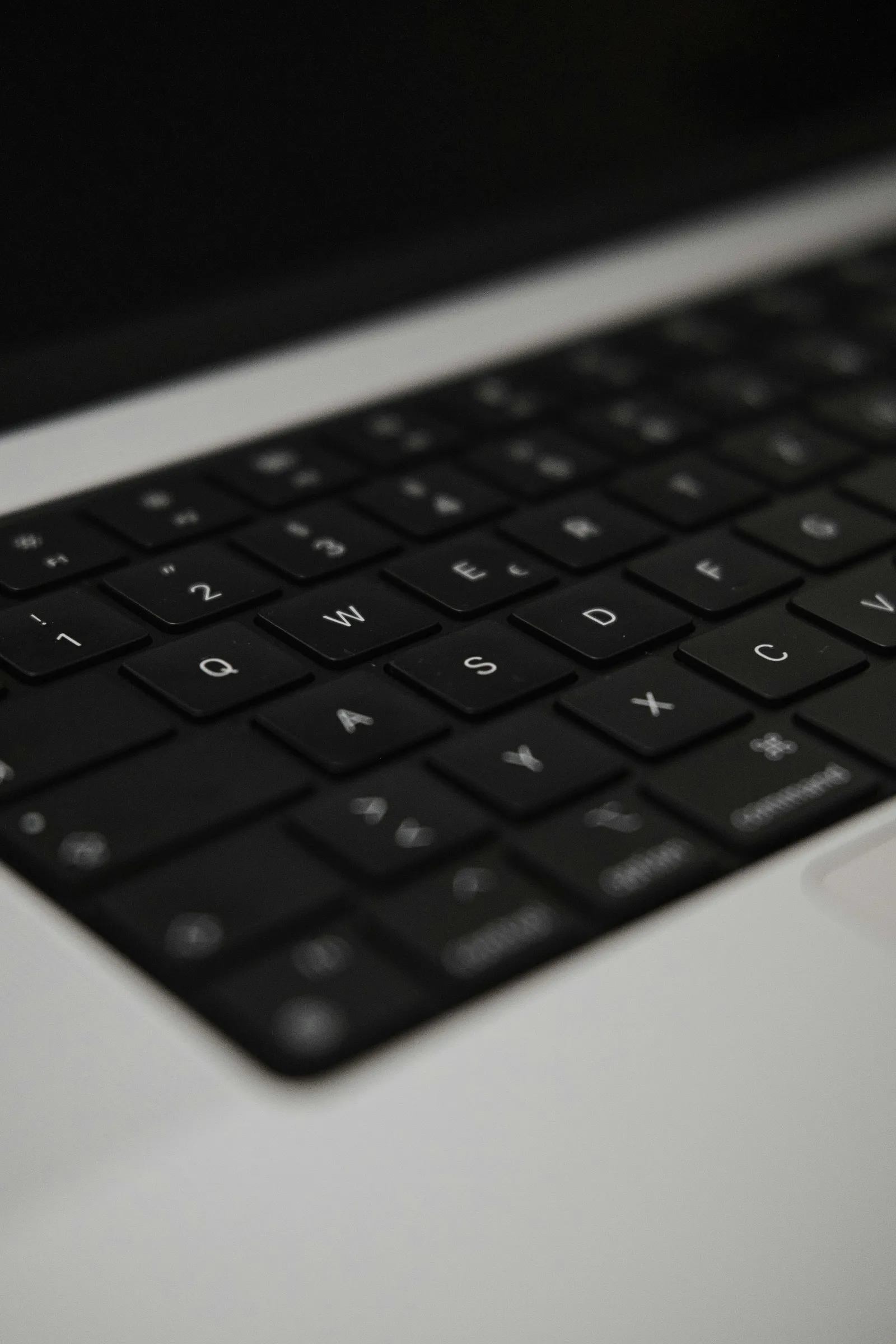
Which problems do we repair?
- Keys not responding
- Sticking or stuck keys
- Keys that type double
- Damaged or dented keyboard
- Keys that have come loose
- Liquid damage to keyboard
- Backlight no longer works
- Keys typing the wrong characters
Models:
- MacBook Air M1, M2, M3
- MacBook Pro 13/14/15/16 inch
- Older Intel MacBooks
Liquid damage:
Liquid damage is a common cause of keyboard problems. Even a small amount of moisture can cause keys to stick, type the wrong characters, or stop responding altogether. The faster you act after liquid damage, the greater the chance of a successful repair. Moisture can penetrate the logic board, the most expensive component of a MacBook. Our advice: don't take the risk of letting the MacBook dry out and then switching it on again. There's a chance it will be fine, but there's also a chance something will go wrong later on — and we often see logic board damage in that case, which means higher costs.

Repair time:
On average 1 to 2 hours, by appointment.
Why iMac and More:
- 15+ years of Apple experience
- Original parts
- 1 year warranty
- Fast repairs
- Personal contact
- Transparent advice
- Individuals & businesses
Frequently asked questions
MacBook keyboard defective?
Request a repair today or contact us for advice.