
MacBook water damage repair
MacBook Water Damage Repair
Spilled water or coffee on your MacBook? Do not plug it into power and switch it off as soon as possible by holding the power button for 10 seconds. Bring it to an Apple specialist and have it inspected before using it again.
4,9/5 4.9/5 based on 147 reviews on Trustpilot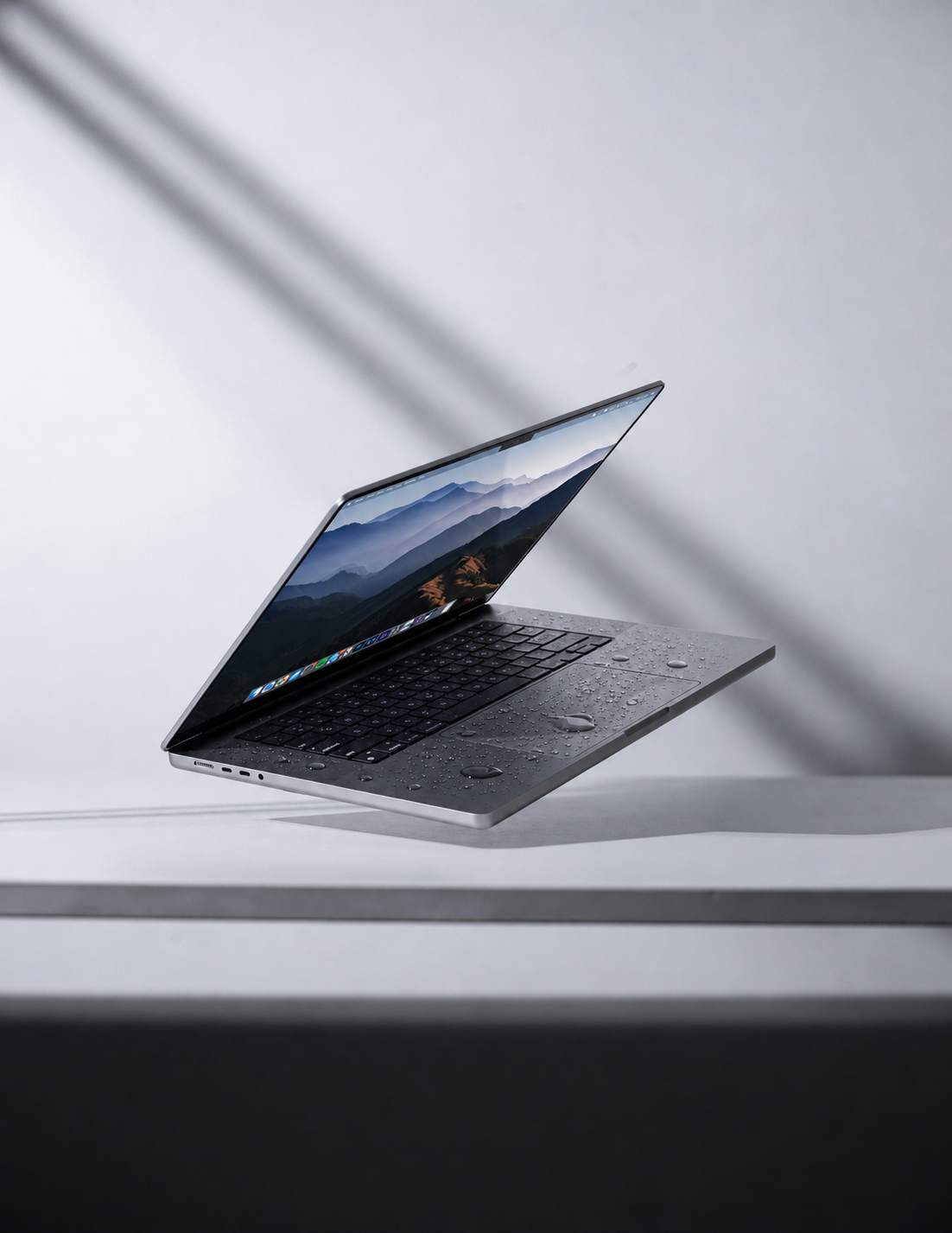
Why is it important to act quickly?
If there is moisture inside your MacBook, you cannot see it from the outside. Acting quickly prevents the moisture from spreading further and causing corrosion on the logic board.
Corrosion spreads further
Moisture seeps into hidden spots on the logic board. The longer you wait, the further the damage spreads.
The logic board can often be saved
With specialised cleaning we can, in some cases, preserve the original logic board. In practice we also often see that components still need to be replaced.
Early diagnosis saves costs
Acting quickly prevents multiple components from having to be replaced. However, a thorough internal inspection must be carried out first.
MacBook got wet? Act immediately!
Switch off your MacBook immediately. Remove all cables and accessories. Turn the MacBook upside down. Contact us as soon as possible.
Prices
Water damage cleaning (diagnosis & cleaning)
Diagnosis & cleaning
Diagnosis and cleaning of your MacBook after water damage.
Logic board repair Intel
Intel MacBooks
Logic board repair for Intel MacBooks.
Logic board repair Apple Silicon (M1 through M4)
Apple Silicon MacBooks
Logic board repair for Apple Silicon MacBooks.
Please note
The step plan above is a guideline. Water damage repairs are always carried out in close consultation, and a thorough internal inspection is necessary first.
The final price depends on the model, build year and the extent of the damage. You always receive a price quote in advance before any work is carried out.
Repair step plan
- Step 1
Opening the MacBook
The MacBook is carefully opened.
- Step 2
Inspecting the logic board — both top and bottom
The logic board is inspected on both sides.
- Step 3
Assessing moisture & corrosion damage
The extent of moisture and corrosion damage is assessed.
- Step 4
Carrying out cleaning or repair — ultrasonic cleaning can be used here
Professional cleaning or repair of damaged components.
- Step 5
Testing and delivery
After the repair, the MacBook is tested and delivered.
When do we replace components?
If we find visible moisture in multiple spots inside and corrosion has also developed, we move straight to replacing the component. Corrosion can be cleaned, but there is also a chance that microscopically small components have been affected, which will cause problems in the long run if the component is not replaced. Better safe than sorry!
What to do?
- Step 1Switch off your MacBook by holding the power button for 10 seconds
- Step 2Remove all cables and external adapters
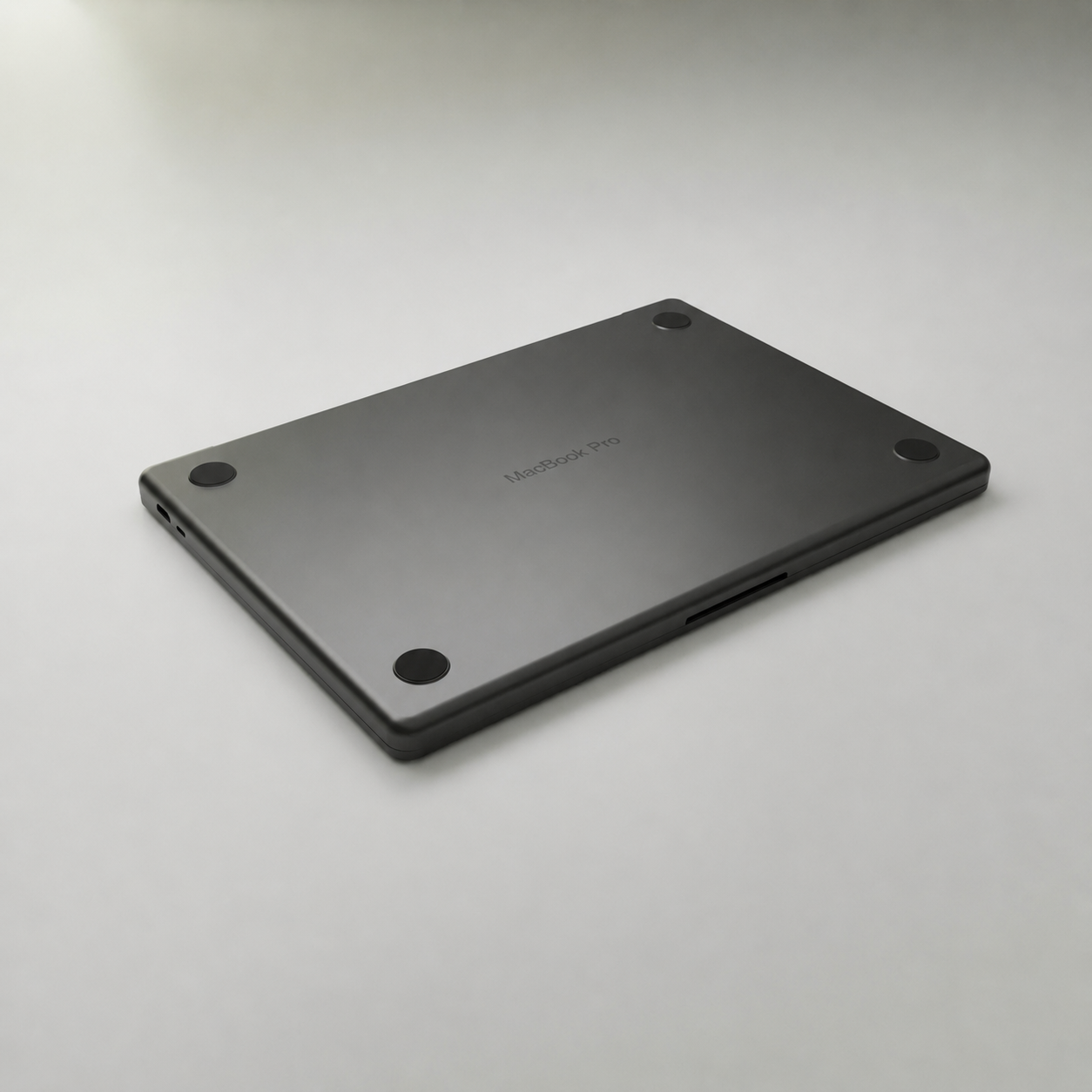
- Step 3Turn the MacBook upside down
- Step 4Contact us as soon as possible
What not to do
- ✕Do not use a hairdryer
- ✕Do not switch it on again
- ✕Do not plug it into power
Which water damage do we repair?
Water damage can show itself in different ways. Sometimes immediately, sometimes only after a few days. Have your MacBook inspected as soon as possible.
- MacBook no longer starts up
- Keyboard is unresponsive
- Trackpad doesn't work
- Screen shows issues
- MacBook switches itself off
- Short circuit caused by liquid
- Rust forming on the logic board
- Oxidation on connectors
Models we repair
We repair the following MacBook models:
- MacBook Air M1 through M3
- MacBook Pro 13/14/15/16 inch
- Older Intel MacBooks
Not sure which model you have? We're happy to check it for you.
How does a water damage repair work?
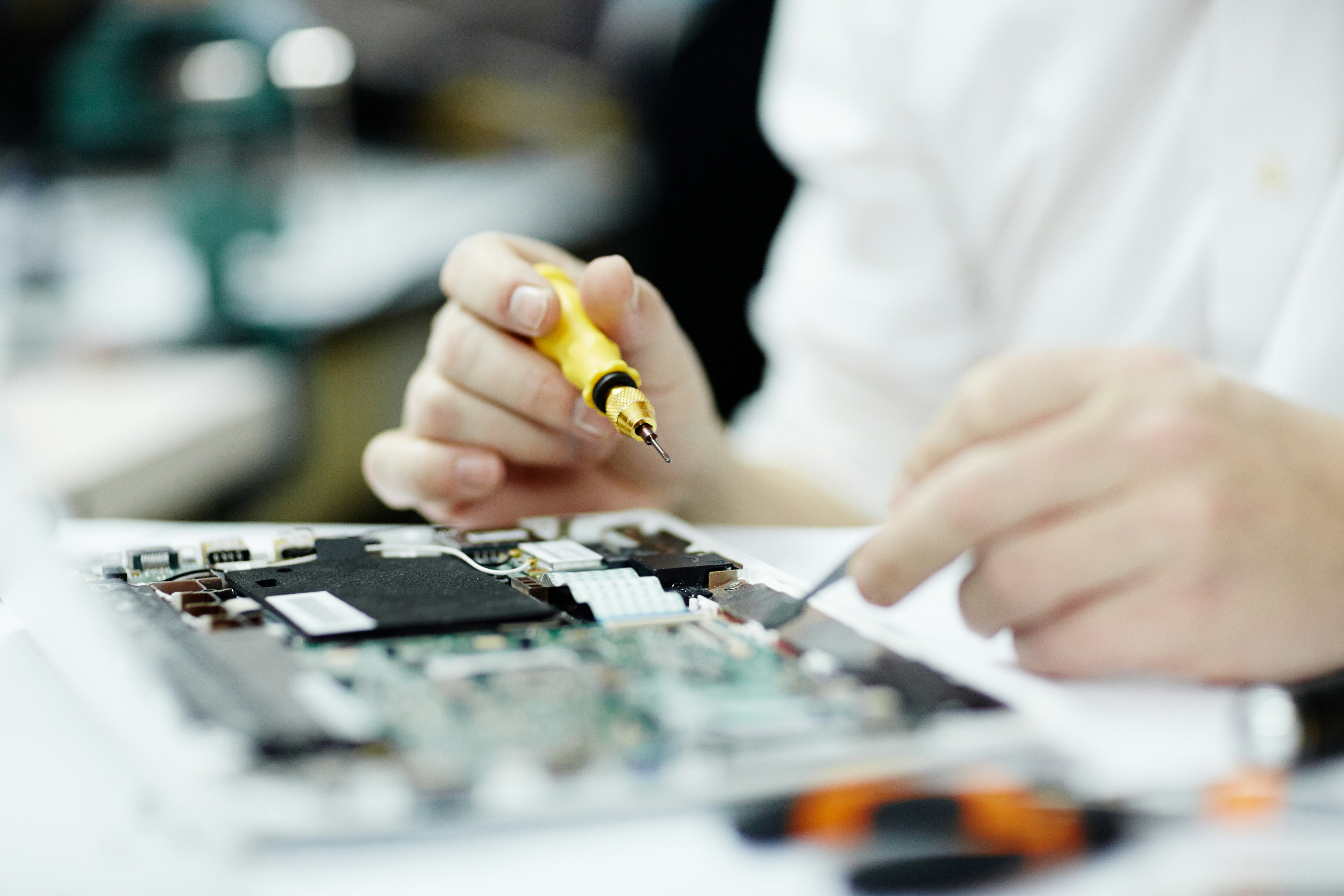
At iMac and More we always start with a thorough inspection of your MacBook. We open the MacBook, clean the logic board and all components with specialised means and inspect every part for damage. After cleaning, we test the MacBook extensively before returning it to you.
Workshop
Repair in our own workshop by an Apple specialist.
By appointment
Repair by appointment with personal attention.
Business
Repairs and service for SME customers and organisations.
Why iMac and More
15+ years of Apple experience
More than 15 years of experience with Apple repairs.
1 year warranty
You get 1 year warranty on every repair carried out.
Fast service
Fast service so you can get going again quickly.
Honest advice
Always honest advice on the possibilities.
Private & business
Service for both private and business use.
Is repair still possible?
Not all water damage is repairable. The severity of the damage depends on the type of liquid, the amount and how quickly action was taken. We inspect your MacBook honestly and advise you on the possibilities. When repair is no longer cost-effective, you can trade in your MacBook for a refurbished model from our range.
Frequently asked questions
Water damage to your MacBook?
The faster the diagnosis, the greater the chance of a successful repair.