
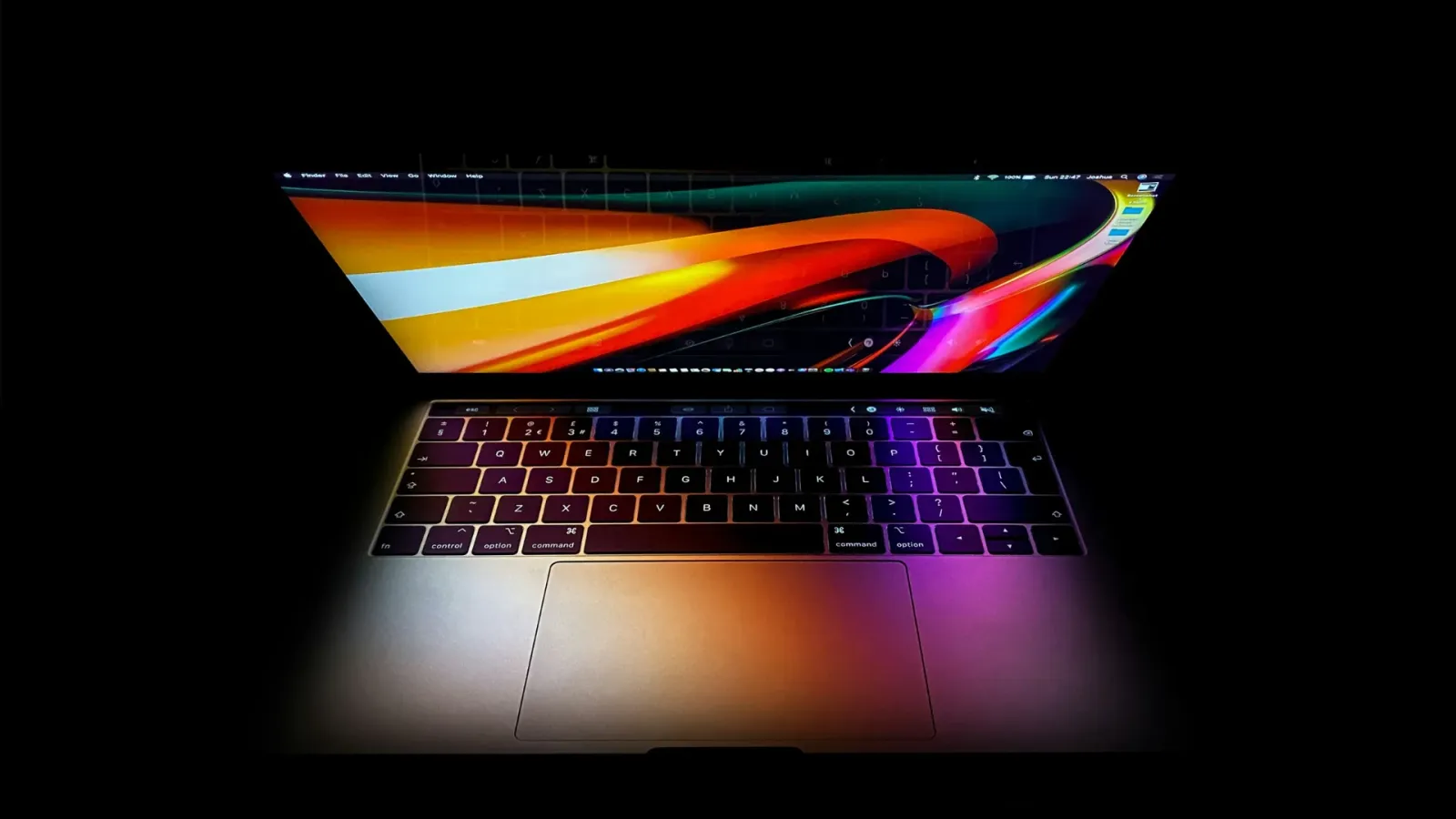
Refurbished and second-hand MacBook Pro
From the MacBook Pro 2015 to the very latest Pro with an M5 chip
MacBook Air & MacBook Pro
22 products available
The MacBook Pro is for people who ask more of their laptop: video editing, programming, making music or simply more power. A second-hand MacBook Pro gives you that power for a much lower price than buying new.
We sell 13-, 14-, 15- and 16-inch MacBook Pros, with Intel chips and with Apple Silicon (M1, M2, M3 and newer). Every MacBook Pro is tested on more than 20 points and gets a clean installation of the latest operating system it supports. You get a 1-year warranty and an original Apple charger.
Not sure? For browsing, studying and office work, a MacBook Air is often enough. On the grading page you can read what each condition means.
22 products foundEvery MacBook comes with an original Apple charger

- Chip
- M2 Pro12-core
- RAM
- 16GB
- Opslag
- 512GB SSD
100% · 12 mo warranty · With original box

- Chip
- M1 Pro10-core
- RAM
- 16GB
- Opslag
- 512GB SSD
92% · 12 mo warranty · With original box

- Chip
- 6-Core i72.6 GHz
- RAM
- 16GB
- Opslag
- 256GB SSD
🔋 Battery 81% · 12 mo warranty

- Chip
- 8-Core i92,3 GHz
- RAM
- 16GB
- Opslag
- 512GB SSD
🔋 Battery 88% · 12 mo warranty

- Chip
- Core i72.6 GHz
- RAM
- 32GB
- Opslag
- 256GB SSD
🔋 Battery 91% · 12 mo warranty

- Chip
- Core i72.8 GHz
- RAM
- 16GB
- Opslag
- 1TB SSD
🔋 Battery 85% · 12 mo warranty

- Chip
- Core i52.3 GHz
- RAM
- 8GB
- Opslag
- 256GB SSD
🔋 Battery 88% · 12 mo warranty

- Chip
- Core i52.0 GHz
- RAM
- 16GB
- Opslag
- 1TB SSD
🔋 Battery 95% · 12 mo warranty

- Chip
- Core i92.4 GHz
- RAM
- 32GB
- Opslag
- 1TB SSD
🔋 Battery 84% · 12 mo warranty

- Chip
- Core i52.3 GHz (2018)
- RAM
- 16GB
- Opslag
- 256GB SSD
84% · 12 mo warranty · With original box

- Chip
- Core i72.8 GHz (2019)
- RAM
- 16GB
- Opslag
- 512GB SSD
🔋 Battery 91% · 12 mo warranty

- Chip
- Core i52.7 GHz
- RAM
- 8GB
- Opslag
- 128GB SSD
🔋 Battery 85% · 12 mo warranty

- Chip
- Core i51.4 GHz
- RAM
- 8GB
- Opslag
- 256GB SSD
🔋 Battery 88% · 12 mo warranty

- Chip
- Core i72.6 GHz
- RAM
- 16GB
- Opslag
- 512GB SSD
🔋 Battery 90% · 12 mo warranty

- Chip
- Core i52.0 GHz (2020)
- RAM
- 16GB
- Opslag
- 512GB SSD
🔋 Battery 94% · 12 mo warranty

- Chip
- Core i51.4 GHz
- RAM
- 8GB
- Opslag
- 256GB SSD
🔋 Battery 90% · 12 mo warranty

- Chip
- Core i92.9 GHz
- RAM
- 32GB
- Opslag
- 512GB SSD
🔋 Battery 90% · 12 mo warranty

- Chip
- Core i92.9 GHz
- RAM
- 32GB
- Opslag
- 1TB SSD
🔋 Battery 88% · 12 mo warranty

- Chip
- Core i72.6 GHz
- RAM
- 32GB
- Opslag
- 512GB SSD
🔋 Battery 89% · 12 mo warranty

- Chip
- Core i51.4 GHz
- RAM
- 8GB
- Opslag
- 256GB SSD
🔋 Battery 90% · 12 mo warranty
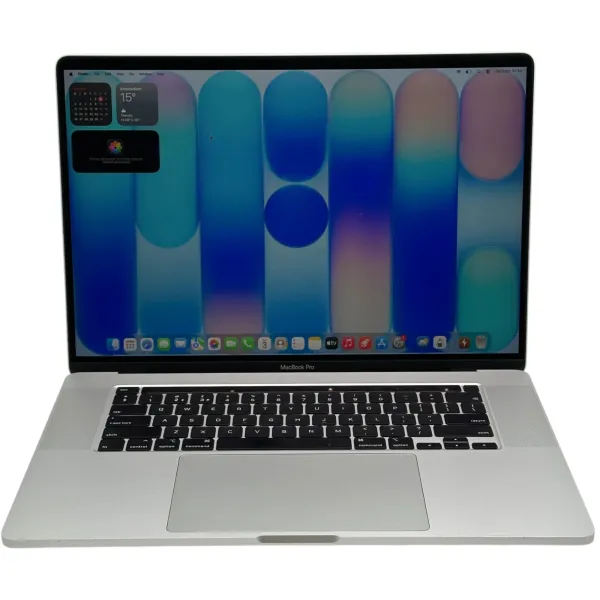
- Chip
- Core i92.4 GHz
- RAM
- 64GB
- Opslag
- 512GB SSD
🔋 Battery 85% · 12 mo warranty

- Chip
- Core i72.9 GHz
- RAM
- 16GB
- Opslag
- 512GB SSD
🔋 Battery 85% · 12 mo warranty
Why choose a MacBook Pro?
The MacBook Pro is built for people who ask more of their laptop. Thanks to active cooling, it maintains its performance even during prolonged heavy work, such as exporting videos or running several demanding applications at once. It also has more ports and, on the newer models, a bright Liquid Retina XDR display.
That is why video editors, photographers, developers, designers and entrepreneurs with demanding business workflows often choose a MacBook Pro. If you mainly use Office, email and the web, a MacBook Air is usually more than enough: take a look at our refurbished MacBook Air range.
Which MacBook Pro is right for you?
Each generation of MacBook Pro has its own strengths. Here is an overview.
MacBook Pro 13 and 15 inch (2015, Intel)
Despite its age, the 2015 MacBook Pro is still a favourite among many Mac users, including our Apple technicians. It has a Retina display, the trusted scissor-mechanism keyboard, MagSafe 2 charging and all the usual ports, such as USB-A, HDMI and an SD card reader. We consider the 2015 Retina generation one of the best MacBooks ever made: it is simply a rock-solid machine. Want to replace something, such as the SSD? That is still easy: the old SSD is held in place by a single screw, so you unscrew it and fit the new one. Plug and play. The screen, top case and logic board are also easy to replace. An affordable and robust choice for Office, browsing and email. Please note: macOS Monterey is the last major macOS version for this model, so do not expect to be able to download the very latest apps from the App Store. Because Monterey no longer receives security updates, we also advise against using it for things like online banking.
MacBook Pro 13 and 15 inch (2017–2019, Intel)
This generation has a Retina display and, on most models, the Touch Bar with Touch ID. The 15-inch models have a powerful Intel Core i7 or i9 processor with four to eight cores and a dedicated AMD Radeon graphics card, which makes them still suitable for photo and video editing. An affordable way to get a lot of computing power. These models have the butterfly keyboard. It is somewhat more sensitive than the newer scissor mechanism: the keys sit closer to the casing, and if dirt or dust gets under them they sometimes do not register properly. That is why we test this keyboard carefully and always clean it before these MacBooks appear in our webshop.
MacBook Pro 16 inch (2019, Intel)
The 16-inch 2019 is the most powerful Intel MacBook Apple ever made: a large 16-inch Retina display, a six- or eight-core Core i7 or i9 processor, a dedicated AMD Radeon Pro graphics card with no less than 4 to 8GB of its own graphics memory, six speakers and the reliable scissor-mechanism Magic Keyboard with a physical Esc key. It is also still supported by macOS Tahoe, as one of the last Intel Macs. An excellent choice if you want plenty of screen and computing power at a sharp price.
MacBook Pro 13 inch (2020, Intel)
The 13-inch 2020 received the improved scissor-mechanism Magic Keyboard and an Intel Core i5 processor. Compact, reliable and ideal for everyday business use. The version with four Thunderbolt ports is still supported by macOS Tahoe; the version with two ports up to and including macOS Sequoia.
MacBook Pro 13 inch M1 and M2 (2020–2022)
With the M1 chip, the MacBook Pro instantly became much faster and more efficient than the Intel models. Unlike the MacBook Air, the 13-inch Pro has a fan, so it stays well cooled during prolonged heavy work. The 2022 M2 version is a little more powerful still. A popular choice for students and professionals looking for a compact, fast MacBook.
MacBook Pro 14 and 16 inch M1 Pro, M1 Max, M2 Pro and M2 Max (2021–2023)
In 2021 the MacBook Pro got a completely new design: a Liquid Retina XDR display with ProMotion (120Hz), MagSafe charging, an HDMI port and an SD card reader. The Touch Bar made way for regular function keys. With the Touch Bar gone, there is also less that can go wrong. With the M1 Pro or M1 Max chip, this is a real powerhouse for video editing, 3D and development, and the battery lasts a full working day. The 2023 M2 Pro and M2 Max versions are even faster and more powerful.
MacBook Pro M3, M4 and M5 (2023 onwards)
The latest generations of MacBook Pro are faster and more efficient than ever and come with more memory as standard. Ideal if you want the very latest technology and plan to use your MacBook Pro for many years, for example for heavy AI workflows, 3D or professional video editing.
13, 14, 15 or 16 inches?
The 13-inch is the most compact and ideal if you are often on the move. The 14-inch (from 2021) combines a larger screen with a portable size. The 15-inch (up to and including 2019) and the 16-inch offer the most screen space: great for video editing, graphics work and working with several windows side by side, but they are larger and heavier.
Intel or Apple Silicon?
A MacBook Pro with an Intel processor is often cheaper and still perfectly suited to many tasks. The 15- and 16-inch Intel models also have a dedicated graphics card. Apple Silicon (M1 and newer), however, is much faster, more efficient and quieter, has longer battery life and receives macOS updates for longer. If you want to use your MacBook Pro for at least another 5 years, we recommend Apple Silicon.
How much memory and storage do you need?
For office work, browsing and light photo editing, 8GB or 16GB of memory is enough. If you do video editing, graphic design or development, choose at least 16GB. For heavy video, 3D or AI projects, we recommend 32GB or more.
As for storage, 256GB is enough if you mainly keep your files in the cloud or on an external drive. If you work with large photo or video files, choose 512GB, 1TB or more.
Important: you cannot upgrade the memory or storage in a MacBook Pro later. Choose the right configuration from the start. Unsure? Ask for personal advice, and we will find the exact match together, so you do not pay for what you will not use.
Refurbished or second-hand MacBook Pro: what is the difference?
A second-hand or used MacBook Pro is usually sold as received, without any parts being replaced. A refurbished MacBook Pro from iMac and More has been repaired where necessary using original Apple parts. If the battery capacity falls below 80%, we replace the battery. If a key does not work properly, we fix it before the MacBook goes on sale. This gives you the price of a second-hand MacBook Pro, with the reassurance of a fully tested machine and a 12-month warranty.
Why buy a MacBook Pro from iMac and More?
- Apple specialists since 2015: buying, selling and repairs
- Every MacBook Pro tested on 20+ checkpoints, including every key on the keyboard
- Battery below 80%? We replace it
- Honest cosmetic grading: A, B or C
- 12-month warranty on every refurbished MacBook Pro
- Free shipping in the Netherlands and Belgium
- Personal advice from an Apple specialist
Sell or trade in your MacBook Pro?
Have an old MacBook Pro you no longer use? We buy used and faulty MacBook Pro models at a fair price. You will receive an offer within 24 hours, and you choose: an immediate payout or a trade-in towards a refurbished MacBook Pro. Visit our selling and trade-in page.